


Computers, Printers, Scanners & Microfilm Readers
- Computers
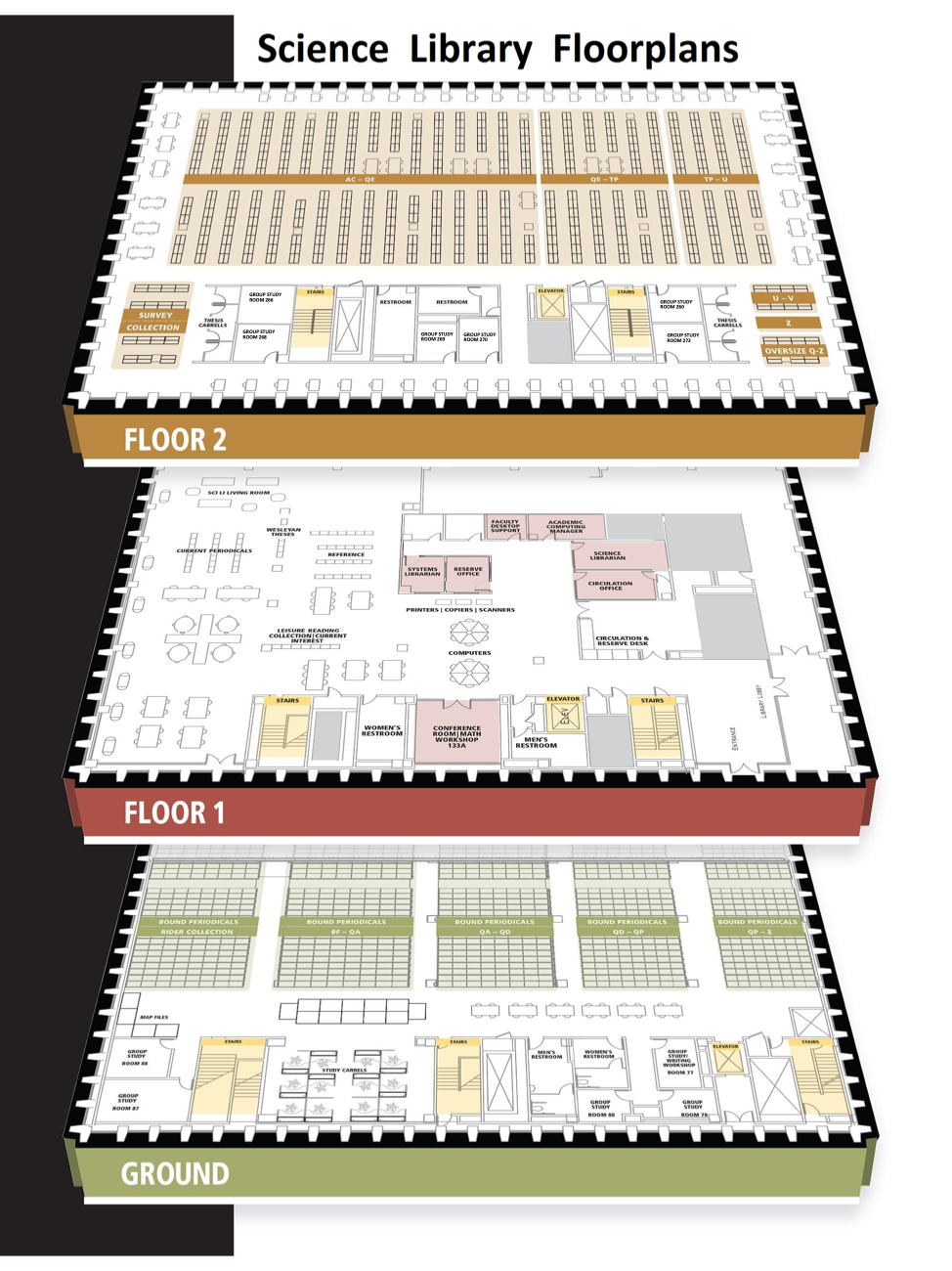
Desktop computers are available for patron use on the first floor of both libraries, in Olin's Campbell Reading Room and near the Science Library's circulation desk.
These computers require users to sign in with their Wesleyan username and password. Patrons who do not have Wesleyan login credentials can contact Research Services for a guest login.
ITS also has a technology loaner program for laptops, iPads, and podcasting kits. See equipment you can borrow from ITS. All items are located in the ITS Service Center at the back of the first floor of Exley.
The library has a collection of technology accessories available to borrow; ask for them at the Olin and Science Library circulation desks. See equipment you can borrow from the library.
- Printing, Copying, and Scanning
Printing, Copying, and Scanning
Ricoh multi-functional devices that print, copy, and scan are available in both libraries. There is a charge for student printing and copying. Scanning is free.
Olin Library:
- First floor, across from the Reserve Desk
- Second floor, in the Art Library
- Third floor, outside the Music Library
Science Library:
Additional Resources for Printing, Copying, and Scanning:- How to print, copy, scan (campus and personal devices)
- Scan function - delivery options
- Cost of printing and copying
- Microfilm Reader
There are two microfilm readers available in Olin. One is located in carrel 328 and the other is located outside of the Music Library.