Stellic
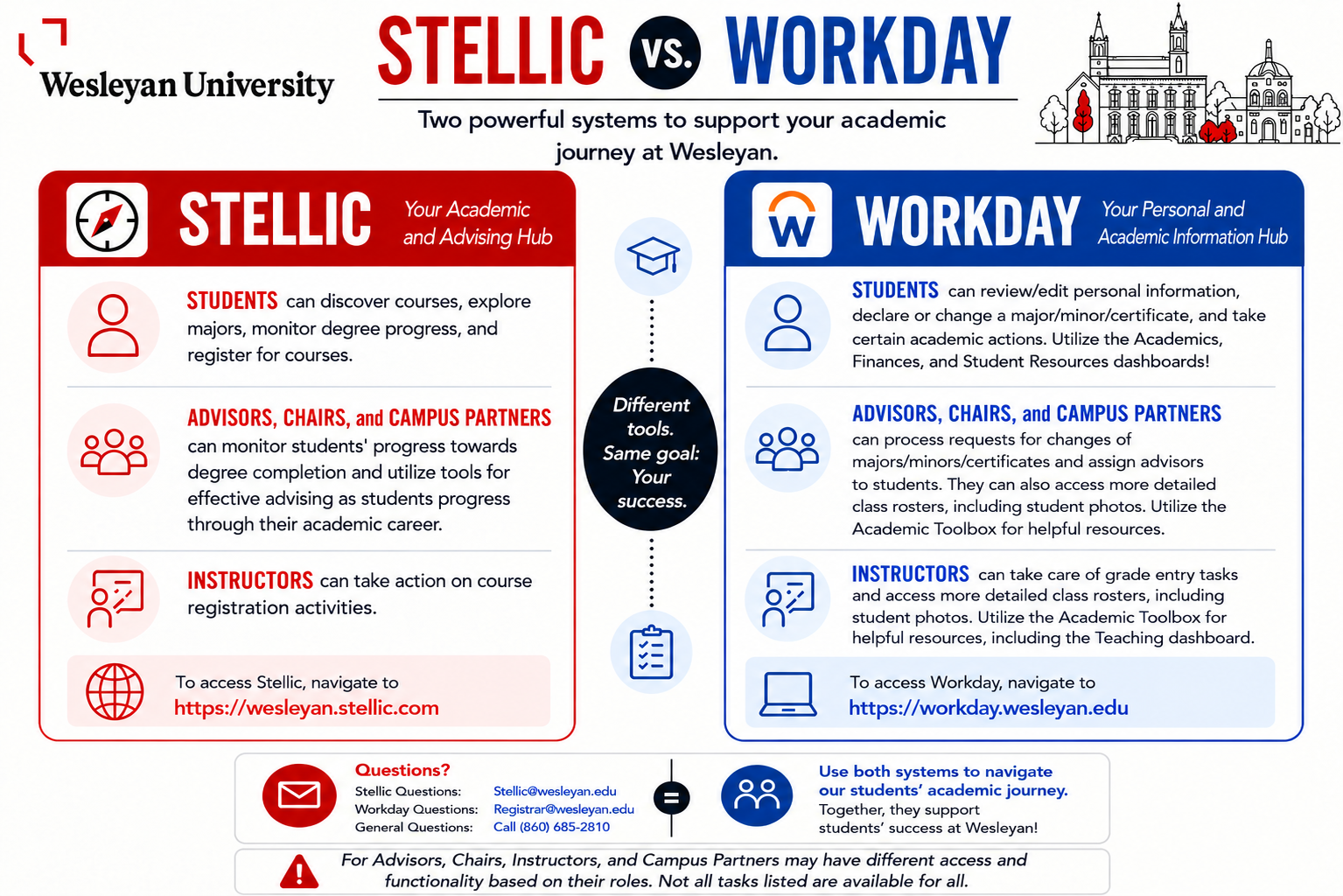
Stellic is your academic planning, advising, and registration hub at Wesleyan.
Students can discover courses, explore potential majors, monitor degree progress, connect with advisors, and plan and register for upcoming semesters.
Advisors, chairs, and campus partners can work together in Stellic to provide coordinated guidance and support, helping students make informed decisions and achieve their academic goals.
Our Stellic at Wes website is a great resource with FAQs, tutorials, and additional information about the system and how to use all of its features. For those that attended one of the Workday/Stellic Trainings, please check out the FAQ from Training resource.
Informational Guides
Filters
Exceptions
- How to Create a Manual Course List
- How to Request an Exception (multiple courses)
- How to Request an Exception (course-to-course substitution)
- How to Approve Pending Exception Requests
Prioritizing Courses
Certifying Majors/Minors/Certificates
Planning/Registration
- Create a Course Plan and Build a Cart (student)
- How to Approve a Permission of Instructor (POI) Request in Stellic (faculty)
- How to Mark an Advisee's Plan as Reviewed in Stellic (faculty)
- How to Approve/Deny Instructor Consent Requests in Stellic During Add/Drop (faculty)
- Student Guide: How to Register for Courses During Direct Registration
- Student Guide: Participating in Add/Drop in Stellic
Changing the Grading Mode for a Student Option Graded Course
For students enrolled in a course available for either A-F (standard letter grading) or Cr/U (credit/unsatisfactory), they may choose their preferred grading mode via Workday through the grading mode change deadline, as posted in the Academic Calendar.
Withdrawing from a Course
If a student needs to withdraw from a course after the add/drop deadline, they must submit a request to withdraw from a course via Workday by the withdrawal deadline, as posted in the Academic Calendar.
A withdrawal might impact your financial aid, satisfactory academic progress, and expected graduation date. Ensure that this is intentional. Once approved, you will receive a W on your academic record.
Stellic vs. Workday
Navigate to our Workday page for more information about the personal and academic information hub!